 WatchRange
How long will your Apple Watch last?
WatchRange learns how your watch uses its battery and shows how much time you have left.
Coming soon to the App Store. watchOS 10 or later.
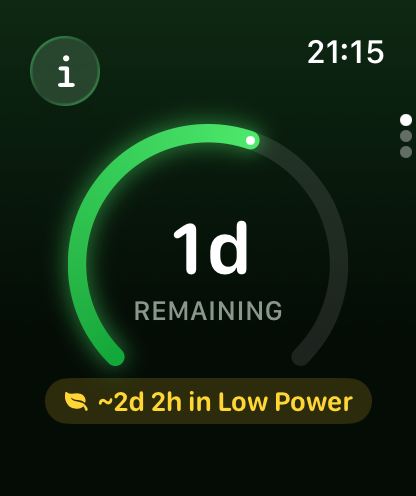
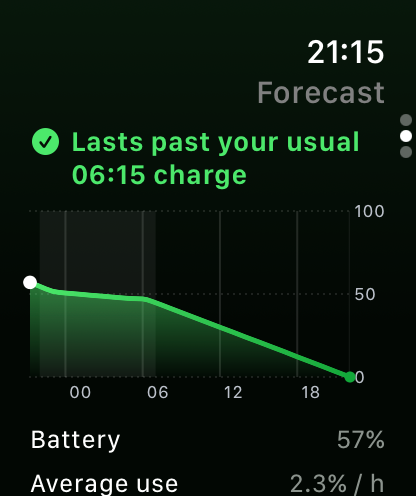
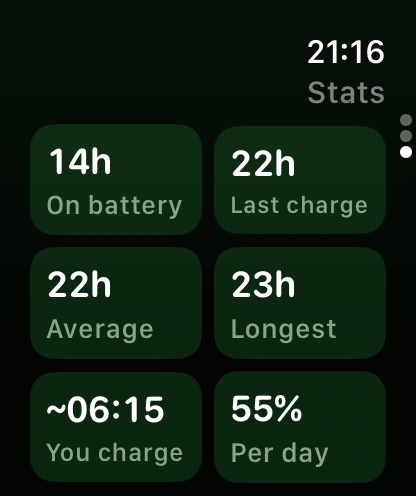
Choose a layout for your watch face.
Browse WatchRange in the face editor. Choose a corner bar, a circular ring or a rectangular layout to see your battery time at a glance.
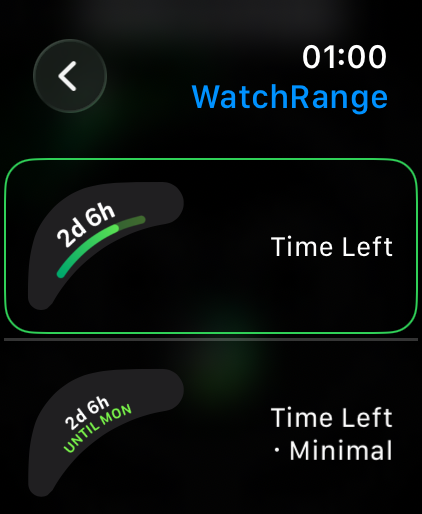
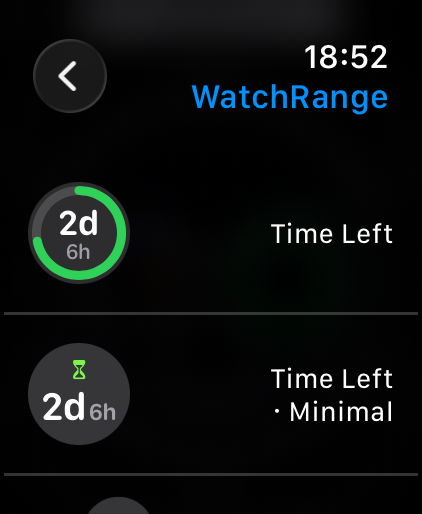
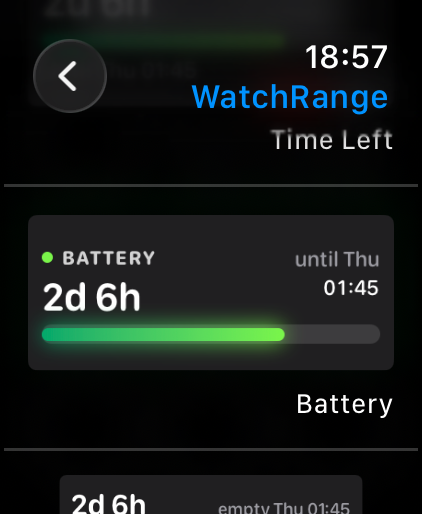
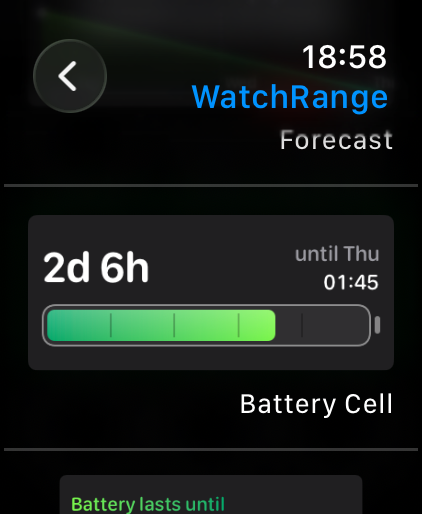
Native face-editor previews on the Ultra 3 simulator, with sample values. Layouts depend on your chosen face. Battery includes the day and time your charge is expected to run out. Battery Cell adds a detailed reserve display with WatchRange+.
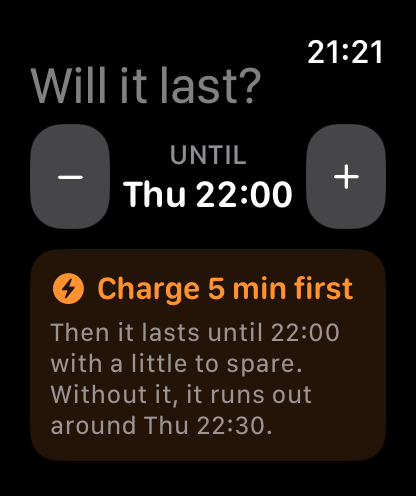
Will it last until…?
Pick a time and check your battery forecast. Get top-up advice if you need a charge.
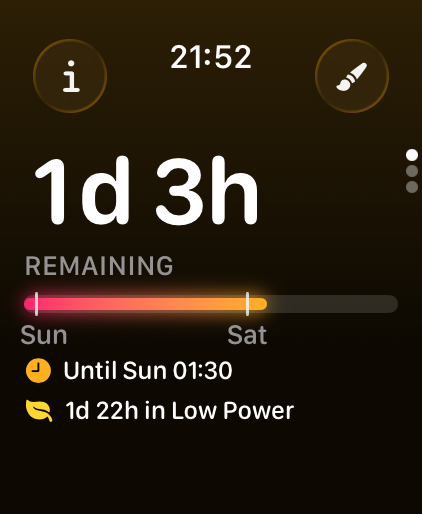
Make it your own.
Choose Reserve or Type, then a colour for the app and your complications.
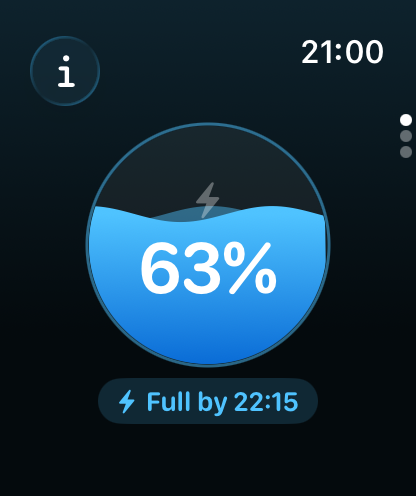
Charging time to full
See your battery level as it charges and the estimated time to full. Included free.
Free and WatchRange+
| Feature | Free | Plus |
|---|---|---|
| Time left | ● | ● |
| Forecast | ● | ● |
| Low Power Mode range | ● | ● |
| Charge outlookShows when it won't last until you usually charge | ● | ● |
| Stats | ● | ● |
| Siri"Check WatchRange" | ● | ● |
| ComplicationsTime Left, Minimal, Battery | ● | ● |
| Top-up adviceHow long to charge to make it | ● | ● |
| Will it last until…? | ● | ● |
| More complicationsForecast, Battery Cell, Lasts Until, Charge By, Next Charge | ● | ● |
| Designs and colours | ● | ● |
| Charging view | ● | ● |
WatchRange+ is an optional one-time in-app purchase. No subscription. Family Sharing supported.
Your battery questions, answered.
How can I see my Apple Watch battery time remaining?
WatchRange turns your battery history into an estimate in hours and days. Open the dial or add a Time Left complication to a supported watch face.
Can it predict whether my watch will last until bedtime?
The free Forecast page shows your projected battery curve. With WatchRange+, choose a time in the planner to see whether your battery is likely to last and how much charging you may need.
Does WatchRange improve battery health or save power?
It estimates remaining runtime; it doesn't repair battery health or change your watch's settings. You can compare the estimated time left in normal use and Low Power Mode to help decide how to use your charge.
Does it need an iPhone app or an account?
No. WatchRange runs on the watch, stores battery history locally, and collects no data. It requires watchOS 10 or later.
Battery time is an estimate and changes with how you use your watch. More help with estimates, complications and purchases →